UNIGIS Salzburg: Free Demo Module
Section outline
-
--> The navigation pane on the left side facilitates the access to the sections of the module, while the Collapse all/Expand all option (top right) is an alternative option for navigation.
-
--> Information about the module lecturer who is available throughout the module active time to answer questions and support the students. At the end, she/he grades the submitted assignments, provides detailed feedback and valuable tips.
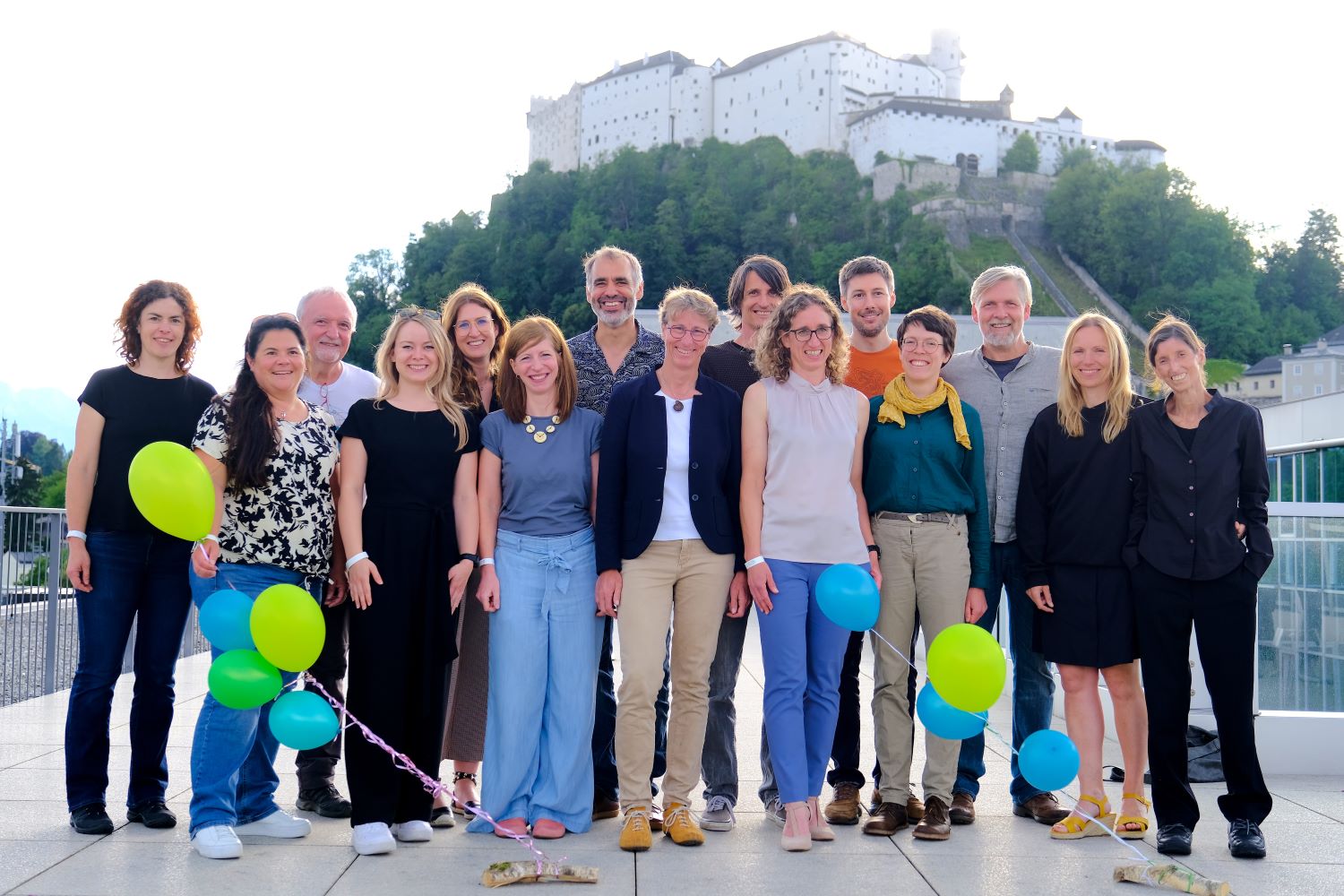
Besides UNIGIS Team, a highly qualified faculty contributes to developing, maintaining and teaching our UNIGIS modules.Details on the UNIGIS team and faculty who contributed to the preparation of this Demo module.
-
--> Orientation includes an overview and the learning objectives of the module.
An overview of the Demo module.
-
--> The available forum in each module serves as the main communication platform among the students, the module lecturer and UNIGIS team and ensures the transparency: all students share and profit equally from the same information exchanged: discussions, questions, tips, … about the module materials and topics.
The lecturer motivates and encourages the students to explore options and find the answers on their own. Additionally, there can be an optional possibility of a live Q&A session and interaction with the module lecturer (online meeting).
Students can also reach the lecturer and UNIGIS team via e-mail for solving individual problems. -
--> This section provides information about and links to the learning materials.
The contents and exercises of this demo module correspond with the Lessons 3, 6 and 10 of the first UNIGIS module "Introduction to Geoinformatics". The learning materials are available online through the interactive BookDown webbook format. -
--> Assignments are exams and will be assessed by the module lecturer.
In this section UNIGIS active students can find the assignments of the module and detailed information related to them. -
--> Throughout their UNIGIS studies active students have access to various software (ArcGIS, QGIS, FME, ERDAS Imagine, etc.).
The learning materials are developed for supporting the acquisition of conceptual, technical, methodological and practice-oriented skills, rather than software training. Graduates will be able to work with any GIS-software.Here is the information about the software related to the module.
ArcGIS Pro
In the first module (and thus also this Demo module) we start with ArcGIS Pro. UNIGIS Salzburg will provide ArcGIS Pro licenses for students throughout the studies.
-
--> This section informs about the grading scheme, the compilation of the submission document(s) and the link for the submission.
GRADING SCHEMA
The assessment and grading is based only on the submitted assignments solution. An important aspect for the assessment is the concise (i.e. comprehensive, but not lengthy) documentation of your work. Always comment and explain your workflow and results.Assignment Lesson Points Assignment 1: Regional statistics Lesson 2 18 Assignment 2: Traffic accidents in London Lesson 3 24 Assignment 3: Working with CRS and projections Lesson 6 26 Assignment 4: Harmonise data with multiple spatial reference systems Lesson 7 22 Assignment 5: Reflections on Geoinformatics and society Lesson 13 10 Grading schema
- 90 – 100 points: 1 (Excellent)
- 80 – 89 points: 2 (Good)
- 70 – 79 points: 3 (Satisfactory)
- 60 – 69 points: 4 (Sufficient)
- 0 – 59 points: 5 (Fail)
COMPILATION AND SUBMISSION OF THE ASSIGNMENTS SOLUTION DOCUMENT--> Here is the place, where enrolled students can access the guidelines and upload their assignments for grading. -
--> Students feedback on learning materials is essential!
The UNIGIS Team is dedicated to creating excellent distance learning courses in GIS. Your responses to the following questions serves as a crucial input for future module revisions. We kindly ask you to complete this module evaluation once you have finished the module. Your evaluation will be handled anonymously.
While working through the module try to take notes on:- your time exposure,
- quality and quantity of contents,
- preparation and presentation of contents, and
- satisfaction with the module support.
We highly appreciate your constructive feedback. Thank you!--> Here is the place, where enrolled students can evaluate the module and the lecturer. -
If you want to learn more about the English language online study programs at UNIGIS Salzburg (> https://unigis.at/en/) contact UNIGIS Office.



Mag. Regina Hatheier-Stampfl Dipl. Ing. Marianne März BSC Mag. Tobias Flock, MA, MA University of Salzburg | Department of Geoinformatics – Z_GIS
UNIGIS Office | Schillerstraße 30, Techno 12, 2nd floor| 5020 Salzburg – AUSTRIAE-Mail: unigis.office@plus.ac.atUNIGIS Salzburg Team and faculty